

Explore
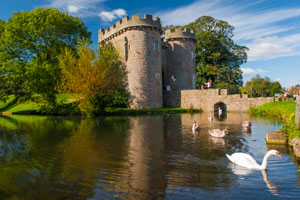
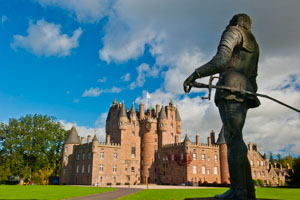
'A land of Romance'
Nowhere in Britain can match the scenic beauty of the Scottish Highlands and islands, but there is so much more to Scotland than romantic visions of pipers on lonely hilltops:
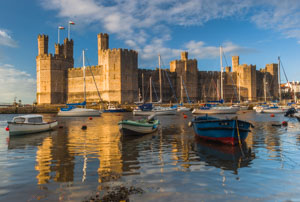
'Castles, Coast, and Scenic Splendour'
From the stunning mountain scenery of Snowdonia to magnificent medieval castles, ancient monuments on Anglesey to sacred St David's and wonderful coastal walks:
A Passion for British Heritage
For over 20 years, the Britain Express family have toured England, Scotland, and Wales, visiting historic sites, taking thousands of photographs, and sharing our passion for Britain with the world. We love exploring the UK, and hope that whether you're a Brit or a tourist, you'll take every chance to discover British history and landscape for yourself, and enjoy the wonderful heritage that awaits in every corner of this wonderful country. Get inspired - Explore Britain's Heritage!
Most of our family travelling is done via stays in self catering cottages, where we can unwind and tour one area in-depth for a week or even 2 at a time.

Holiday cottages at thousands of popular locations throughout England
Popular Areas
Locations

The best of Scotland, from remote glens to popular tourist destinations
Popular Areas
Locations

Our family usually stays in a self-catering cottage so we can tour one area in-depth for a week or even two at a time.
Popular Areas
Locations

Our family has visited over 5,000 historic sites in Britain, from Cornwall to Caithness and Anglesey to Norfolk, from castles to picturesque villages - there's so much to see!


History of Britain - the full text of the 1912 book
English
Culture
What makes England so ... English? From hedgerows to the history of tea, pastimes to traditional crafts.
British Biography
Our look at the lives of famous people in art, architecture, science, and literature.
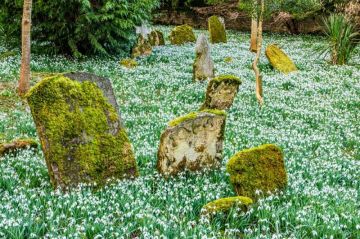
I keep a mental list of places to go when the weather is good - historic or scenic sites within a short drive of our home in the …
more

Rosedene
Bromsgrove, Worcestershire, England
Rosedene is a simple red-brick Victorian cottage built for Chartist members as part of the innovative Chartist Land Plan. Thie small cottage has been restored to show what life was like for early Chartists. Included on the site are a dairy, earth closet, water pump, and a working kitchen range.

Butt of Lewis Lighthouse - Isle of Lewis, Scotland
Bridge over the Atlantic - Seil, Argyll
Achmore Stone Circle - Isle of Lewis, Scotland
Dun Eistean - Isle of Lewis, Scotland
Clach an Truiseil Standing Stone - Isle of Lewis, Scotland
Abertarff House - Inverness, Highlands and Islands, Scotland
Yaxley, St Mary's Church - Yaxley, Suffolk, England
Gresgarth Hall Gardens - Lancaster, Lancashire, England